Reaction Arrow Text
Summary
Descriptive text can be added above and below the arrow text.
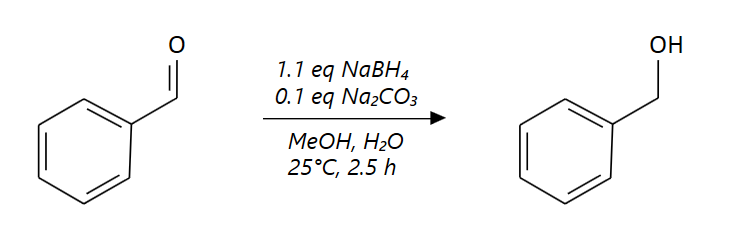
Step by Step
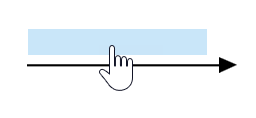
Move the mouse to the region immediately above or below the reaction arrow, until a light blue area appears:
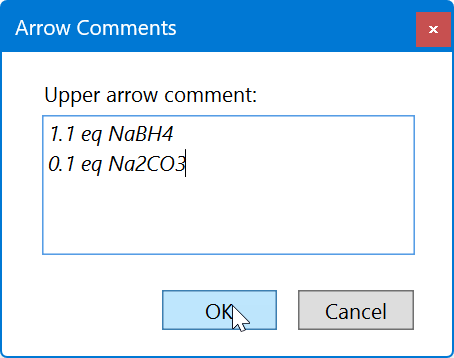
After clicking the blue area above or below the reaction arrow, a dialog appears for entering the corresponding arrow text. Note that numeric subscripts for chemical formulae don't need to be specified in this dialog, the will be automatically generated in the resulting arrow texts.
After clicking OK, the entered text appears in the reaction sketch, complete with nummeric subscripts where applicable.
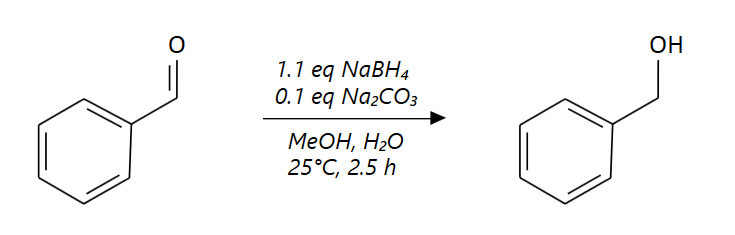
Existing arrow texts can be edited by clicking their corresponding text areas.